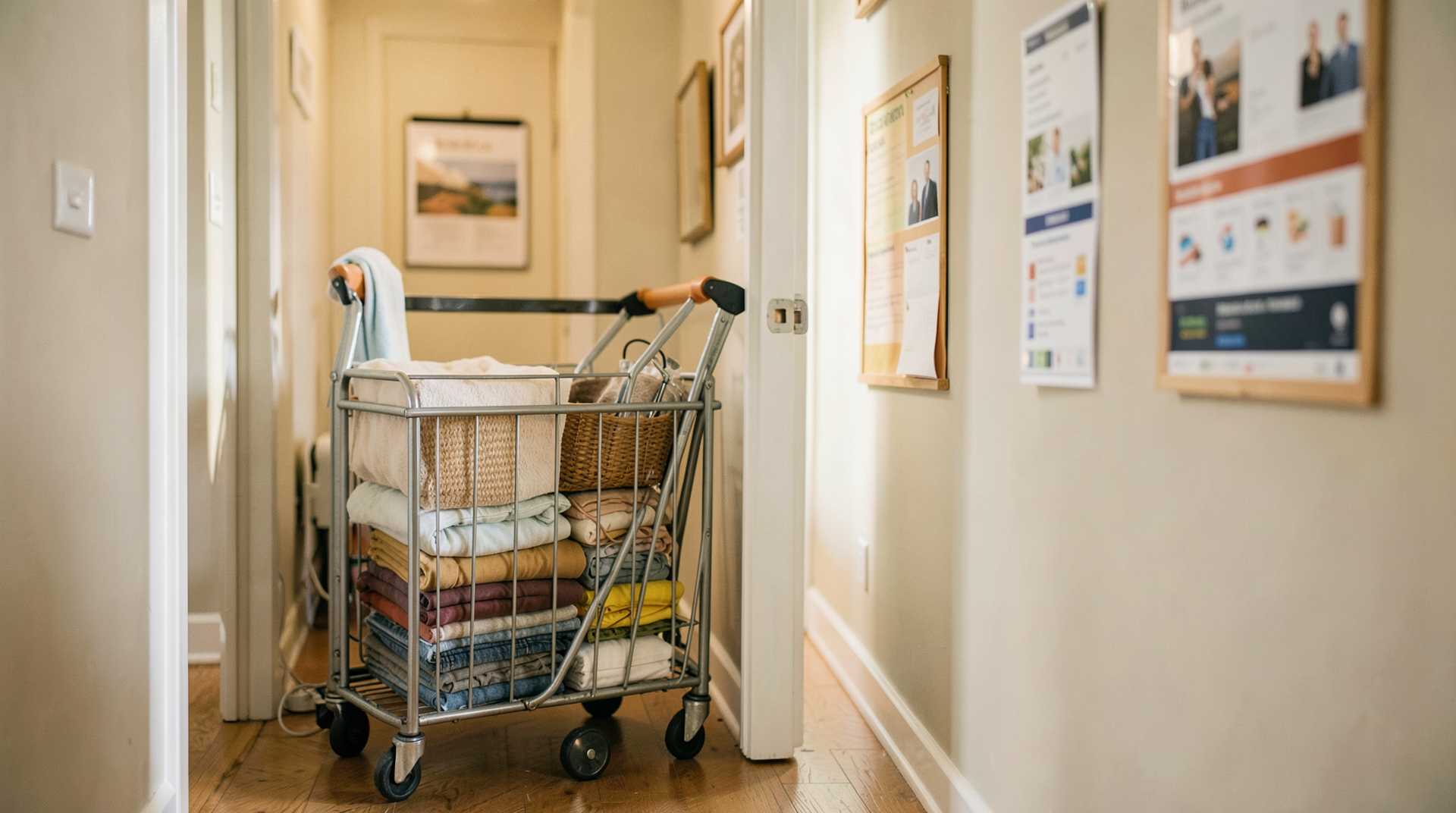
Cutting Housekeeping Turnover Time: The PMS-to-Task-Manager Setup That Works
Long room turnover times drain revenue. A guest checks out at 11 AM, the next arrives at 3 PM, but the room isn't ready until 2:45 PM, that's lost flexibility, missed early check-ins, and stressed staff. Most of the delay happens in the gap between checkout notification and when housekeeping actually starts cleaning. The fix isn't hiring more people; it's wiring your PMS directly to your task management system so nothing falls through the cracks.
This integration cuts that friction drastically. When done right, you'll see turnover time drop by 15–20 minutes, which means more same-day turnovers, happier guests, and less overtime pressure on your team. Here's how to set it up so it actually works.
Why PMS-to-Task-Manager Integration Matters for Your Hotel
Without integration, your PMS and housekeeping task manager are talking to nobody. A guest checks out in your PMS, but housekeeping finds out 10 minutes later via text, email, or a paper checklist. Someone has to manually create the task, assign it, and hope the information reaches the right person. Every manual step is a chance for delay, miscommunication, or forgotten rooms.
With integration, that checkout instantly becomes a priority-ranked task in your task manager. The system knows which cleaner is nearest, which rooms need deep cleans versus quick turnovers, and exactly how much time is available before the next guest arrives. Staff get real-time notifications, no hunting people down. As one housekeeping automation study found, integrated workflows eliminate manual processes entirely and reduce administrative time by 50% while improving cleaning efficiency by 30%.
For smaller hotels, this is survival. Same-day turnovers happen constantly, and even a 15-minute delay kills them. For larger properties, it's pure labor optimization, your existing team gets more done in the same hours.
Real-Time Room Status Sync: The Foundation
Integration starts with room status flowing automatically from PMS to task manager. When a guest checks out, your PMS marks the room as "departed" or "dirty." That status should instantly appear in your task manager with checkout time, guest preferences, room type, and any special instructions (crib needed, high-allergy cleaning, VIP guest arriving).
Check your sync frequency first. Most PMS-to-task-manager connections default to 15-minute syncs, which might be fine for updates but is too slow for checkout notifications. During peak season or for tight turnovers, you want real-time or at least 5-minute intervals. Look for integrations that use webhooks or API-based real-time updates rather than scheduled batch syncs. The difference is the gap between "housekeeping will find out in 15 minutes" and "they know instantly."
Set up custom status mappings. Your PMS might call it "checkout complete," but your task manager needs "urgent turnover" or "deep clean" or "express clean." Before you go live, map every room status in your PMS to the right task priority and task type in your manager. A late checkout at 2 PM creates a different priority than an 11 AM checkout when the next guest arrives at 5 PM. This mapping takes 30 minutes of setup but saves you constant confusion.
Include the full room profile. The sync should push room number, bed configuration, number of guests who stayed, any damage notes, and the next guest's check-in time. Your cleaners will waste time hunting for this info if it's not automatically available. Most task managers let you customize the task description template so all this data shows up in one place.
Priority-Based Task Queuing: Smart Sequencing
Not all rooms are created equal. A room with a 4 PM check-in gets higher priority than a room with a 6 PM arrival. A three-room suite takes longer than a standard room. A guest who requested early checkout and early check-in next day is critical. Your task manager needs to rank these automatically.
Set up rules based on time pressure. Create rules in your task manager that assign priority based on how much time is left until the next guest checks in. If check-in is less than two hours away, mark the task "urgent." Between two and four hours, mark it "high." Over four hours, mark it "normal." Most task managers let you create these rules in 10 minutes, and they'll handle the math automatically.
Account for room complexity. A standard guest room takes 25–30 minutes to clean. A suite takes 40–50. A room that hosted a large event or multi-night stay might need a deep clean. Add task duration estimates to each room type in your task manager, so when a task is created, it includes a realistic time estimate. Cleaners then know whether they can knock it out in one slot or need two.
Use room status as a tiebreaker. If two rooms have the same check-in time, clean the one that's empty first (no guest belongings to work around), then the one where the guest stayed one night (less mess than a three-night stay). These might sound like common sense, but a task manager doesn't know unless you tell it. Add a secondary sort rule in your system so the queue orders itself logically.
Staff Workload Balancing: Matching Tasks to People
Priority queuing only works if you're assigning tasks to people who actually have capacity. A common mistake is queuing 15 urgent tasks and hoping someone picks them up. A smarter approach is to have your task manager auto-assign based on current workload.
Track active workload in real time. Your task manager should show which cleaner is working on what, how long they've been working, and what they're scheduled to do next. When a new urgent room comes in, the system can see that cleaner A is finishing Room 201 in about 8 minutes and is the closest to Room 305, so assign it to them. This is load balancing on the fly, it usually cuts 5–10 minutes per turnover because people aren't walking across the property or sitting idle while tasks build up elsewhere.
Build in buffer time. Don't assign cleaners back-to-back with zero breathing room. If a room takes 30 minutes to clean, build in 5 minutes to move to the next room and check equipment. Set your task manager to never assign more than 80% of a cleaner's shift to tasks, so there's always slack for breaks, restocking, and unexpected issues. Full utilization sounds efficient but causes bottlenecks.
Respect skill levels. If some cleaners are faster than others, use that. Add a "speed" or "skill level" tag to each team member in your task manager and adjust task assignments accordingly. Your fastest cleaner might be the right person for that express turnover with a 90-minute deadline. Your detail-oriented person might be better for the guest who called ahead about allergies. Matching the right person to the right task cuts rework and complaints.
Implementation: Getting From Zero to Running
First, audit your current setup. Find out what your PMS is capable of exporting (most modern systems can send real-time room status updates via API or webhooks) and whether your task manager can accept that data. Write down your room types, typical cleaning times, and how your team currently gets assigned tasks. This takes one meeting but saves you from picking incompatible tools later.
Next, choose your integration layer. You have three paths: a direct integration (your PMS and task manager already talk to each other, check their app marketplaces first), a middleware tool like Zapier or integromat that bridges the two, or a custom API integration if you're technically confident. For hotels under 50 rooms, a direct integration is usually easiest and fastest. Most modern PMS platforms like Mews, Cloudbeds, and others have pre-built integrations with popular task managers like Sweeply.
Then, set up your PMS-side rules. Go into your PMS settings and configure what data gets sent when. Define checkout status, add any custom fields (like "VIP guest arriving"), and test the connection with one property first. This usually takes 1–2 hours and is where you catch most configuration mistakes.
After that, build your task manager rules. Create your priority rules, duration estimates, and staff assignments. Start conservative, you can always tweak thresholds later. Run a test scenario: mark one room as checkout in your PMS and verify the task shows up in your task manager with the right priority and assigned cleaner.
Finally, do a pilot with one shift. Pick a Monday morning or a slower day, brief your housekeeping team on the new workflow, and let it run. Have a manager watch the task flow and timing. You'll spot issues (missing fields, confusing notifications, unrealistic time estimates) that you couldn't have predicted. Fix them before you roll out to the whole property.
Most integrations go live within 24–48 hours, with full automation running smoothly within a week. Expect one day of hand-holding for your staff and one follow-up review meeting after the first big turnover day to adjust settings.
Real Impact: Where the Time Savings Happen
Your 15–20 minute savings breaks down roughly like this: 5–7 minutes from instant notification (no waiting for checkout text or email to be read), 4–6 minutes from automatic task assignment (no manual dispatcher matching rooms to cleaners), and 3–5 minutes from optimized sequencing (cleaners working in logical order instead of random room assignments). The combination compounds.
If you're turning 8 rooms per day now, a 15-minute average savings means 120 minutes (2 hours) of labor freed up per day. That's either one person going home two hours early, or that person handling two extra back-to-back turnovers that would have otherwise required a second staff member. Over a month, that's tangible cost relief or capacity to handle more bookings.
The bigger win is predictability. Guests checking in at noon who used to arrive to "we're still cleaning" now arrive to "your room is ready." That feedback alone reduces front desk complaints and guest support emails.
Takeaway
Housekeeping automation isn't about robots; it's about removing the communication delays and manual assignments that kill turnover efficiency. By syncing your PMS directly to your task manager and letting priority rules and workload balancing do the routing, you cut 15–20 minutes from average turnover time, reduce staff confusion, and let your existing team handle more rooms per shift. Start with a direct integration if available, set clear rules for task priority and duration, assign based on real-time workload, and pilot before going live. The setup takes a day; the payoff compounds every single shift afterward.