Before You Buy New Hotel Tech: The Team Readiness Checklist That Stops Failed Adoptions
Most hotel operators know the sinking feeling: you invest in a shiny new PMS, booking engine, or revenue management tool, and three months later, your team is still using spreadsheets or workarounds. The tool isn't bad, but adoption fails anyway. The problem isn't the technology. It's that you didn't assess whether your team was ready to use it.
Before you spend another dollar on hotel tech, you need to know whether your staff will actually adopt it. This means looking at skill gaps, workflow fit, and organizational blockers, not feature lists. This guide walks you through a realistic assessment framework that predicts adoption success or failure before you buy.
The Real Cost of Failed Adoption
When adoption fails, the damage goes beyond the software license fee. You're paying for training no one completed. You're losing revenue because your team doesn't trust the new system's data. You're spending hours every week answering "How do I do this on the old way?" And your staff gets burned out because they're doing their job twice, once on paper, once in the system.
According to industry research, approximately 70% of digital transformation initiatives fail to reach their goals, and one major reason is poor user enablement and misinterpreted success metrics. In hospitality, where adoption failures often hide in shadow workflows and spreadsheet workarounds, the cost is even harder to quantify, but it's definitely costing you revenue and operational efficiency.
The good news: adoption failure is predictable. If you know what to look for, you can either choose a tool that fits your team, or fix the team readiness issues before you buy.
Red Flag #1: No Clear Adoption Owner
When everyone is responsible for adoption, no one is. If you're expecting IT to train operations, operations to champion the system, and management to stay out of it, adoption will fail. You need one person, or one small team, whose job it is to make sure this technology actually works for your hotel.
This person should own the timeline, track who's using the tool and how, gather feedback from staff, and report regularly to leadership. Without this ownership structure, adoption gets deprioritized the moment a busy weekend hits or someone else demands attention.
How to check: Ask your team: "Who wakes up every day thinking about whether this tool is being used well?" If the answer is vague or defensive, you have a problem. Before you buy anything new, assign clear ownership, ideally someone who understands both your operations and your team's day-to-day reality.
Red Flag #2: Your Team's Skill Gaps Are Bigger Than Your Training Plan
Many hotel operators assume that if they provide a vendor training session, adoption will happen. But training isn't a one-time event, it's the start of a much longer journey. If your team doesn't have basic comfort with digital tools, a three-hour training session won't fix that. And if you're asking staff to learn a complex PMS while also managing check-ins during the evening shift, they'll revert to what they know.
Skill gaps look like this: your front desk team doesn't use email regularly, or your housekeeping staff has never used a smartphone app. Your managers don't read reports or dashboards. Your accounting team still prefers phone calls to integrations. These aren't character flaws, they're gaps. But they're gaps that need to be addressed before (or alongside) new tech implementation.
How to check: Have an honest conversation with your team about their comfort level with technology. Ask specific questions: Have they used a PMS before? Do they feel confident navigating software? Are they afraid they'll break something? If you're hearing hesitation or avoidance, you need to factor in longer training timelines and more hands-on support. Some hotels find that hiring one "tech champion" from within the team, someone who's naturally curious about tools, can help bridge the gap.
Red Flag #3: Your Current Workflows Don't Actually Match the New Tool
You've chosen a new PMS because the vendor promised it would save you 20 hours a week. But your current workflow is deeply tied to how your front desk currently works. The new system wants rooms to be blocked in a certain way. Your staff has been managing overbooking differently for five years. The tool wants rate codes organized by season; you organize by guest type.
When workflows don't align, adoption stalls because the tool feels clunky or wrong. Staff work around it. Shadow systems emerge. And six months later, you're back to spreadsheets for the important stuff.
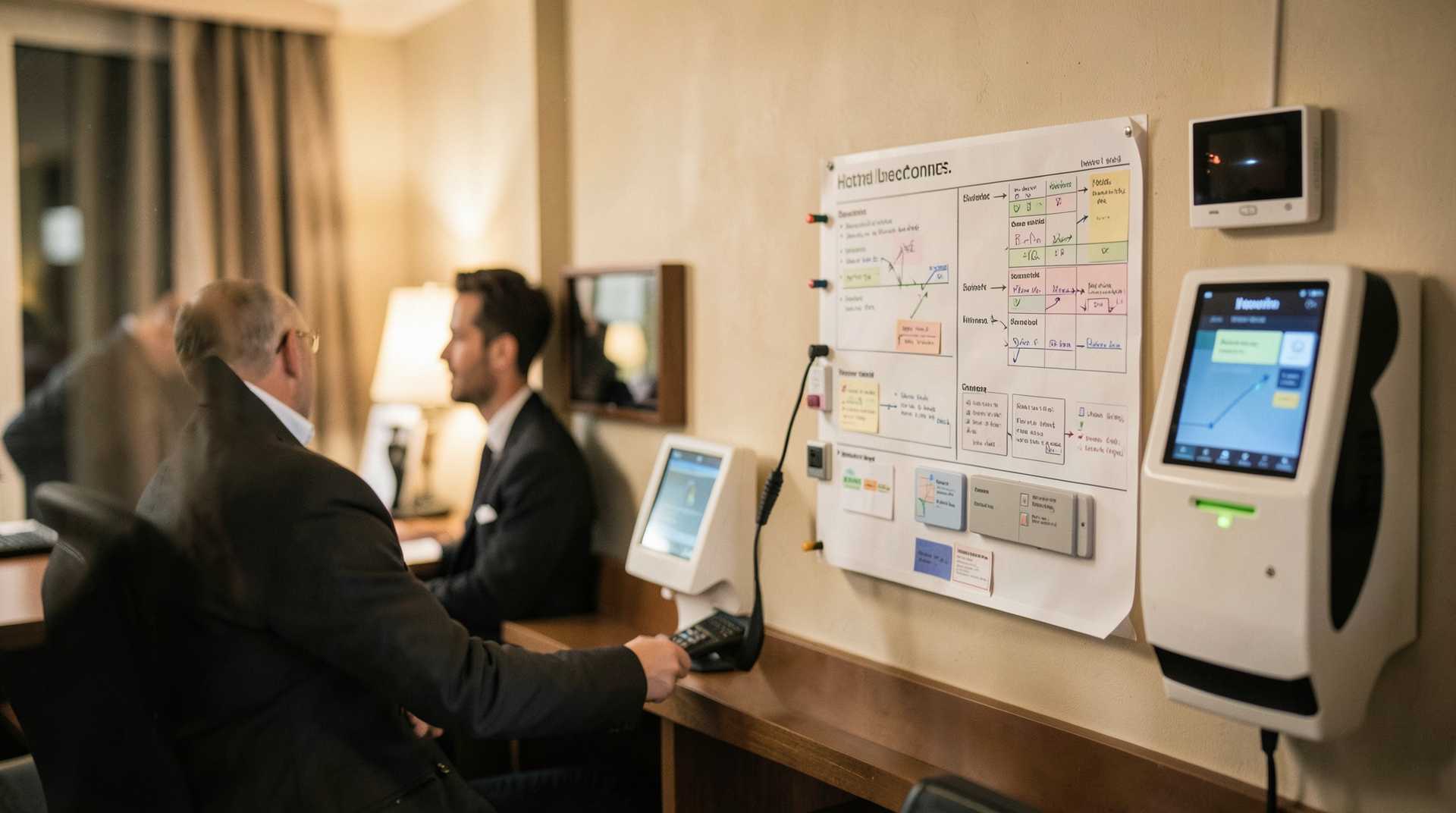
How to check: Before buying, run a workflow audit. Map out how your staff currently processes reservations, checks guests in, manages housekeeping, and handles rate changes. Then ask the vendor to show you (in a real demo, not a sales pitch) how their tool would handle these exact steps. Are there workarounds? Extra clicks? Does it require a change in how you operate? If the vendor is saying "You'll just need to adjust your process," that's not a red flag, that's business. But if they're saying "We don't support that," you've found a misfit.
Red Flag #4: Leadership Isn't Aligned on What Success Looks Like
One of your managers thinks the new PMS should reduce labor costs. Another thinks it's mainly for better reporting. Your owner thinks it's about preventing overbooking. If your team doesn't share the same goal for the new tool, they won't know how to prioritize during rollout, and staff won't know what to focus on learning.
This misalignment also kills adoption because staff end up frustrated: everyone has different expectations about what the tool should do and how to use it. Some people adopt it quickly. Others, feeling like their concerns were never heard, quietly resist.
How to check: Before buying, sit down with your leadership team and write down the top three problems you're trying to solve with this new tool. Be specific. Not "improve efficiency", but "reduce double-bookings by 95%" or "cut front desk check-in time from 8 minutes to 4 minutes" or "give managers real-time occupancy data." If your leadership team can't agree on these three goals, you're not ready to buy. The tool won't fix unclear strategy.
Red Flag #5: You're Not Measuring Anything Now, and You Won't After
If your hotel doesn't currently track how long check-in takes, how many reservations are double-booked, or how many rate changes happen per week, then you have no baseline. And if you have no baseline, you can't measure whether the new tool is working. This means adoption becomes a faith-based initiative, and faith runs out when someone questions the spend or when staff gets tired of the learning curve.
Many hotels roll out a new system and never check whether it's actually being used well. Staff might access it three times a week instead of every day. Critical workflows might still be happening in email. Reports might be pulled but never used. Without measurement, no one knows, and adoption quietly fails.
How to check: Before you buy, identify the metrics you'll use to assess adoption and success. This might be "% of staff logging in daily," "average reservation processing time," "overbooking incidents," or "training completion rate." Make sure you can actually collect these metrics, either the tool provides them, or you have a way to measure them manually. Then assign someone to review these metrics every two weeks during the first two months, then monthly. If you're not measuring, adoption won't stick.
Red Flag #6: Your Tech Stack Doesn't Talk to the New Tool
You're buying a new channel manager, but it doesn't integrate with your current PMS. Or the new booking engine requires manual data entry into your accounting system. Or the revenue management tool works great, but you can't get the data into your reports. Each manual handoff between systems is a friction point where staff will create workarounds or give up on the tool entirely.
Integrations aren't glamorous, but they're essential for adoption. If your staff has to log into four systems to process a single reservation, they'll find a way to do it in one spreadsheet instead.
How to check: Before buying, map out your current tech stack. PMS, channel manager, booking engine, accounting software, reporting tools, whatever you use. Then ask the vendor: "Does this integrate with [each tool]?" How does it integrate? Is it real-time or daily batch? Is there a cost? If the vendor says "We don't integrate, but you can export CSV files," that's a friction point. You'll want real-time or near-real-time integration for core systems. If a tool doesn't integrate with your PMS or accounting software, it's probably not the right fit.
Red Flag #7: Your Staff Is Already Burned Out
If your team is already stretched thin and exhausted, adding a new system will break them. They won't have mental energy to learn. They'll feel like the new tool is just more work. And adoption will fail because resentment will be attached to it from day one.
This is especially true in hospitality, where staffing shortages are common and existing teams are often overworked. Before you add a new tool to their load, make sure they have bandwidth, or commit to reducing something else to make room for the learning curve.
How to check: Talk to your team informally. Ask them: "How are you feeling about workload right now?" Listen for signs of fatigue, frustration, or burnout. If you're hearing that, then a new tech implementation needs to come with support: maybe temporary additional staffing during rollout, or delayed adoption for the busiest departments. You can't expect tired staff to enthusiastically learn a new system.
Building Your Team Readiness Assessment
Now that you know what to look for, here's how to actually assess your team before you buy.
First, gather information from your frontline staff. Schedule 15-minute conversations with representatives from each department: front desk, housekeeping, operations, accounting, management. Ask them: Have you used a PMS before? What's your comfort level with software? What's frustrating about your current tools? What would make your job easier? Take notes. Look for patterns. This isn't about judging your staff; it's about understanding where the gaps are.
Next, map your current workflows. For each core process (reservation, check-in, housekeeping assignment, billing), write down the steps your team currently takes. Include everything: phone calls, spreadsheets, manual data entry, follow-ups. Be honest. Don't write down how it should work; write down how it actually works. This is your baseline.
Then, identify your must-haves. Work with your leadership team to list the absolute requirements for a new tool. Does it need to integrate with your accounting software? Does it need a mobile app for housekeeping? Does it need to prevent overbooking automatically? Separate "must-haves" from "nice-to-haves." Any tool that doesn't meet your must-haves should be off the list, no matter how good the sales demo looks.
Finally, establish your success metrics and adoption timeline. Decide now: how will you measure adoption? Who will own it? How long will you give your team to reach proficiency? Be realistic. A small hotel might need 3-6 months for full adoption. Larger properties might need longer. And commit to measuring regularly, at 2 weeks, 6 weeks, 3 months, and 6 months. If adoption is lagging, you'll catch it early and can adjust your approach.
The Right Tool, For Your Team
There's no such thing as perfect hotel tech. But there is such a thing as tech that fits your team's current reality. By assessing readiness before you buy, you're not lowering your standards, you're setting yourself up for success.
When you choose a tool that aligns with your workflows, your skill levels, your integration needs, and your team's bandwidth, adoption happens naturally. Staff uses the system because it makes their job easier, not harder. Leadership sees the ROI because you've measured it. And you stop losing money to failed implementations and shadow systems.
Takeaway
The next time a vendor pitches you on new hotel technology, resist the urge to buy based on features or cost savings. Instead, do the harder work first: assess your team's readiness. Look for red flags, unclear ownership, skill gaps, workflow mismatches, leadership misalignment, unmeasured outcomes, poor integrations, and burnout. Map your current workflows. Define what success looks like. And only then, with clear eyes and realistic expectations, choose a tool that fits. When you do, adoption won't be a hope. It'll be a certainty.